Google Play screenshot sizes & requirements.
Screenshot dimensions, file requirements, and feature graphic size for Google Play.
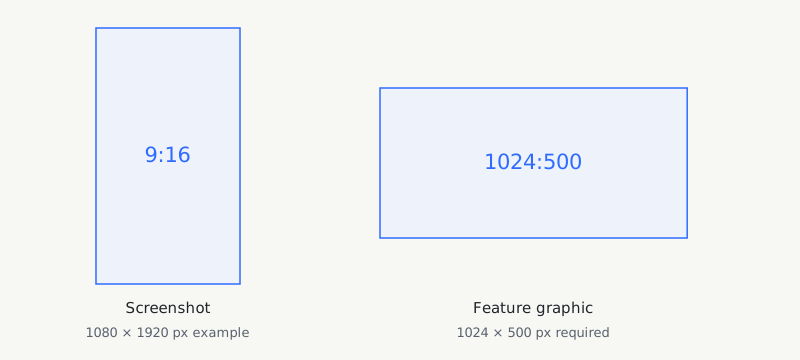
Required sizes and files.
- Phone screenshot dimensions
- 320–3840 px per edge. Long edge ≤ 2 × short edge.
- Files & count
- JPEG or 24-bit PNG, no transparency. At least 2 screenshots across device types; up to 8 per type.
- Feature graphic · separate required asset
- 1024 × 500 px. It does not replace screenshots.
These rules apply to phone screenshots. Large screens and promotional formats have additional criteria. Source: Google’s asset specifications.
Create Google Play screenshots.
Use the Google Play screenshot generator to build a coordinated phone set.
DeioLab supports portrait phone sets. It does not export landscape sets, tablet sets, or feature graphics.
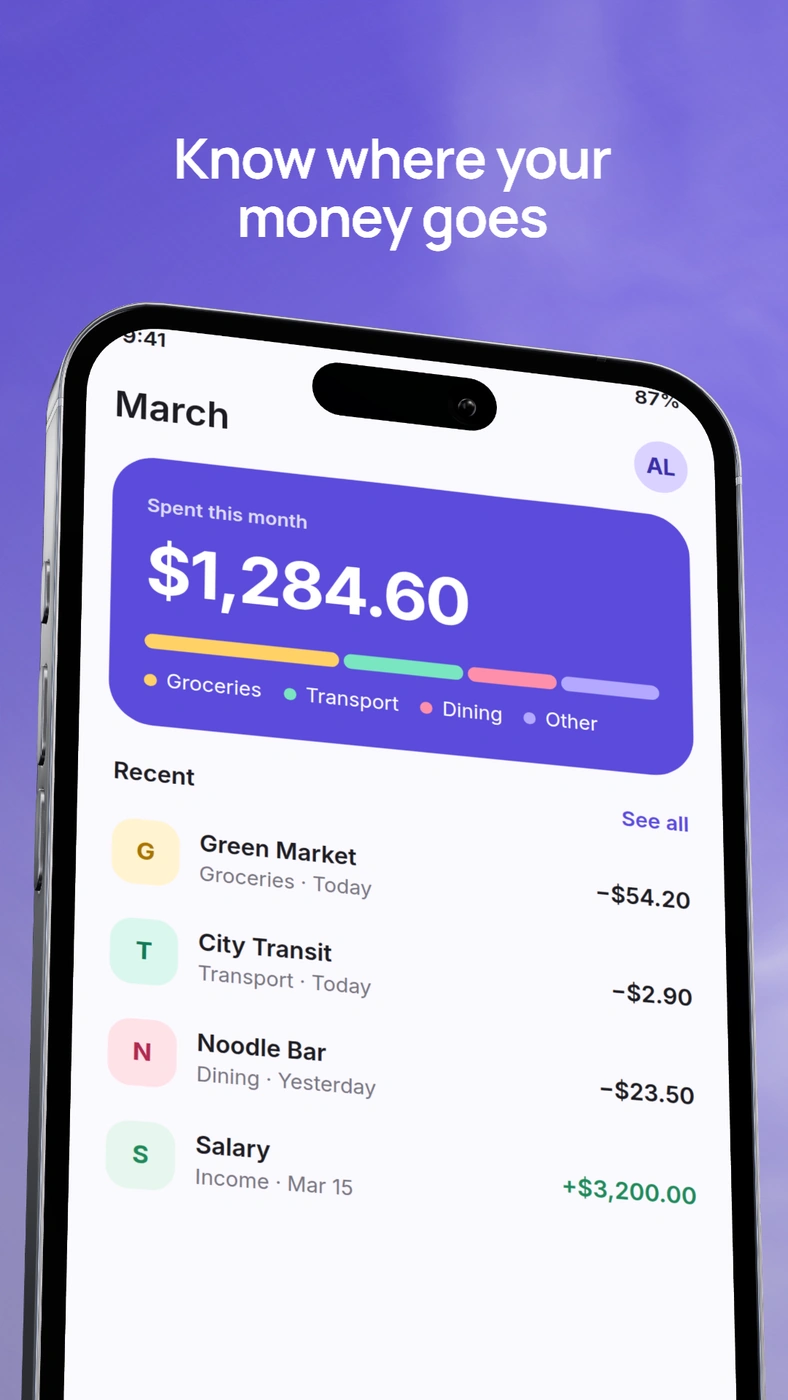
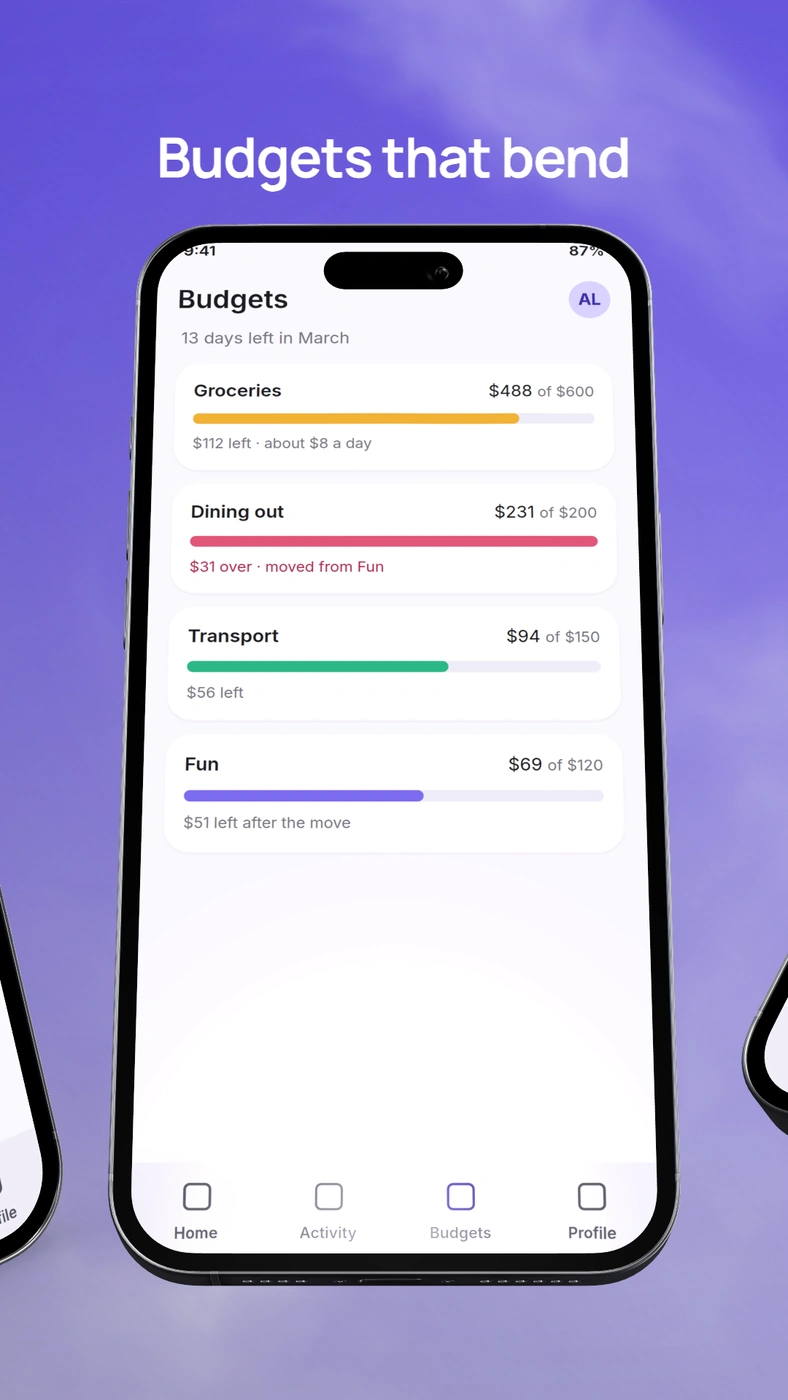
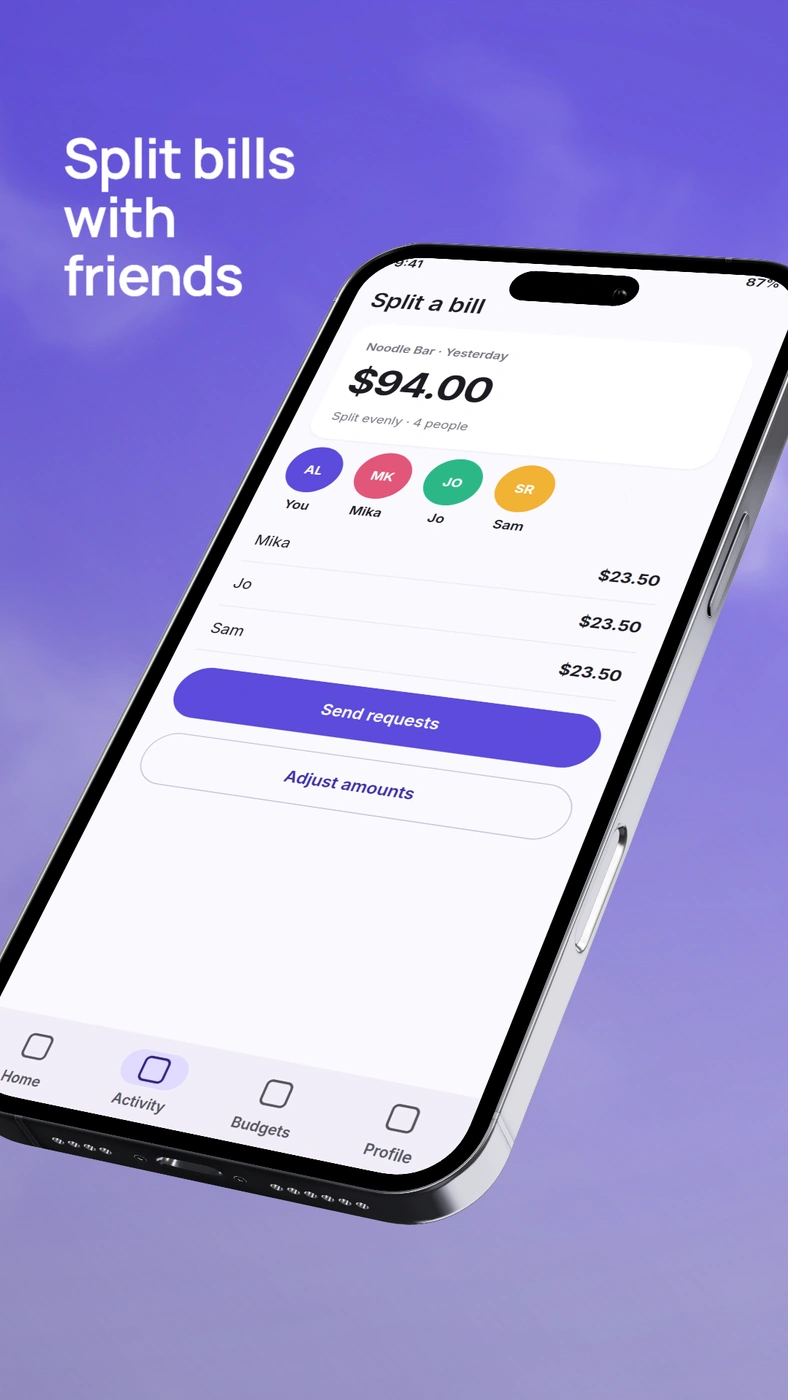
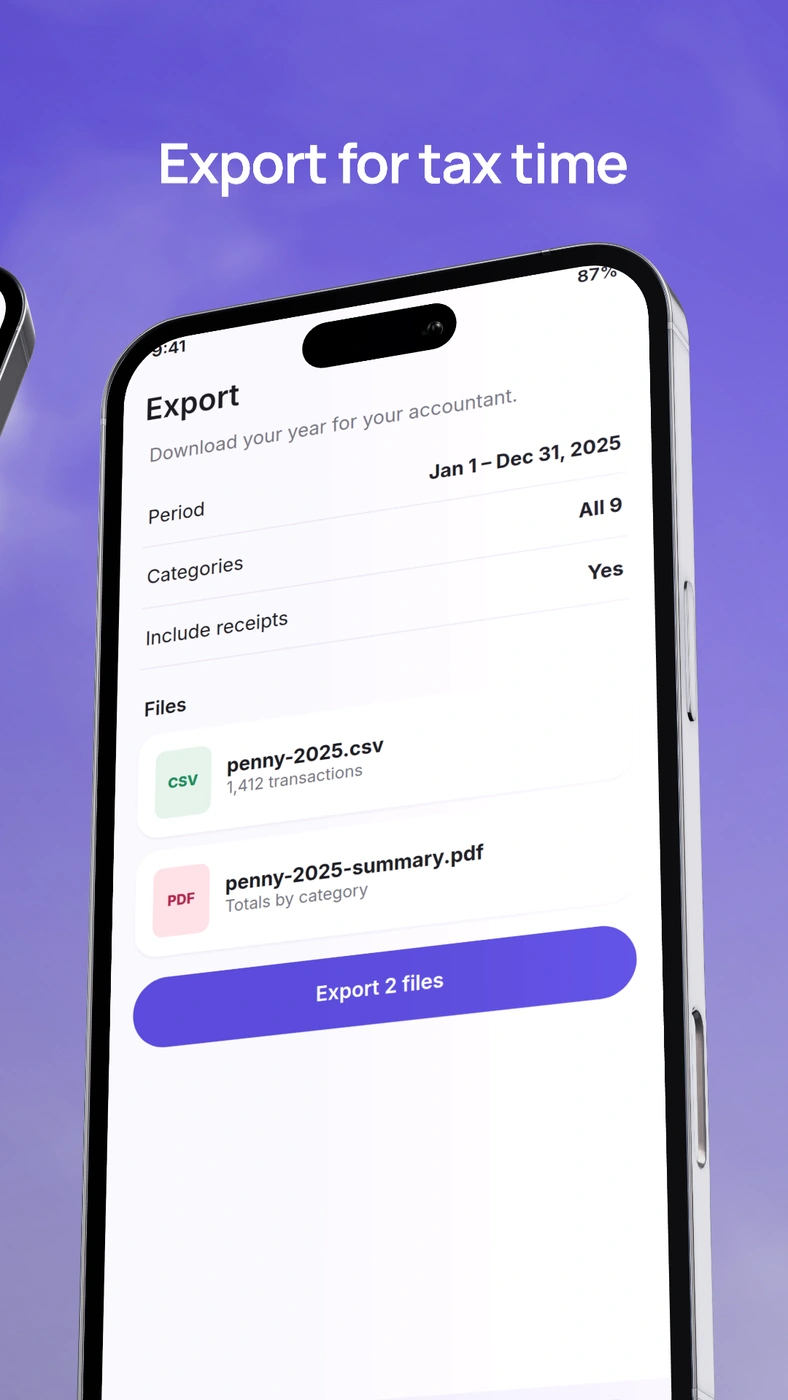
Screenshot sizes and file rules.
| Baseline upload rule | Requirement |
|---|---|
| Each edge | 320–3840 px |
| Shape | Long edge ≤ 2 × short edge |
| Files | JPEG or 24-bit PNG; no alpha |
| Count | At least 2 across device types; up to 8 per type |
Source: Google’s preview-asset specifications. Device-specific rules can differ.
For screenshot-based recommendation formats: apps need at least four screenshots; games, three. Use 9:16 portrait or 16:9 landscape with a short edge of at least 1080 px.
| Example canvas | Width × height |
|---|---|
| Portrait · 9:16DeioLab phone set preset | 1080 × 1920 |
| Landscape · 16:9Reference only | 1920 × 1080 |
| Higher-resolution portraitCalculated 2× example; reference only | 2160 × 3840 |
Google accepts multiple phone resolutions. Use a sharp source image for the size you choose.
Tablets and Chromebooks.
For tablets and Chromebooks, Google specifies at least four screenshots, dimensions of 1080–7680 px, and 9:16 portrait or 16:9 landscape. Exclude added promotional text.
Capture your app’s tablet layout for tablet screenshots.
Android’s adaptive app guidance explains why layouts vary across tablets and foldables. Use captures from each supported layout.
This guide covers phones and large screens. Wear OS, TV, Automotive, and XR have separate rules in Google’s reference.
Feature graphic: 1024 × 500 px.
A feature graphic is required: 1024 × 500 pixels, JPEG or 24-bit PNG without alpha. It does not replace your screenshots.
Create the feature graphic separately so the screenshot and text fit its wider shape.
Google’s listing best practices favor concise, truthful visuals, consistent styling, and important content near the center. Avoid ranking or promotional claims.
DeioLab export size.
The Google Play phone set exports 1080 × 1920 portrait slides as numbered RGB PNGs in one ZIP. It supports 2–8 slides and starts with a clean frame.
DeioLab does not export tablet sets, landscape sets, or feature graphics.
Create a Google Play phone setBefore you upload.
Capture your Android app.
Use sharp screenshots from your current Android build. Capture phone and tablet layouts separately.
Keep the app visible.
Keep added text short and show the app as it works today.
Review the set.
Open Review set to check the order, headlines, and screenshot crops.
Check the exported files.
Extract the ZIP, confirm dimensions, and check each PNG at its actual size. Upload the images to the matching Play Console slots and keep the editable project.
For iPhone and iPad apps, see the App Store screenshot sizes guide.
Sources.
Checked on . Sizes and requirements are from Google’s documentation.
- Google Play: Preview asset specifications
- Google Play: Store listing best practices
- Android: Adaptive app quality
Check your uploads against the requirements shown for your app in Play Console.
Create your Google Play screenshots.
Create a Google Play set