Google Play screenshot generator.
Turn your Android app screens into a coordinated store listing. Start with your screenshots, shuffle layouts, and export numbered 1080 × 1920 PNGs.
Free. No account. Screenshots stay on your device.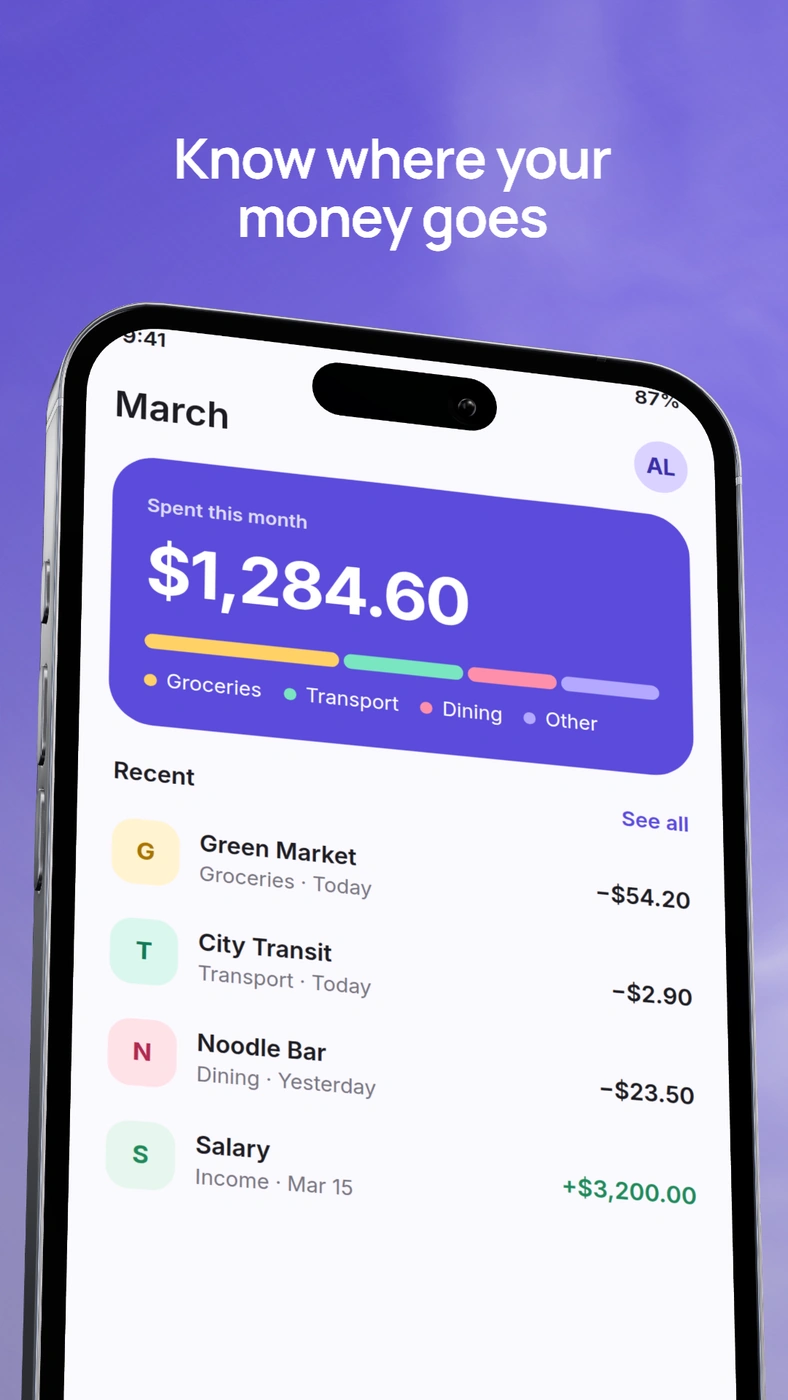
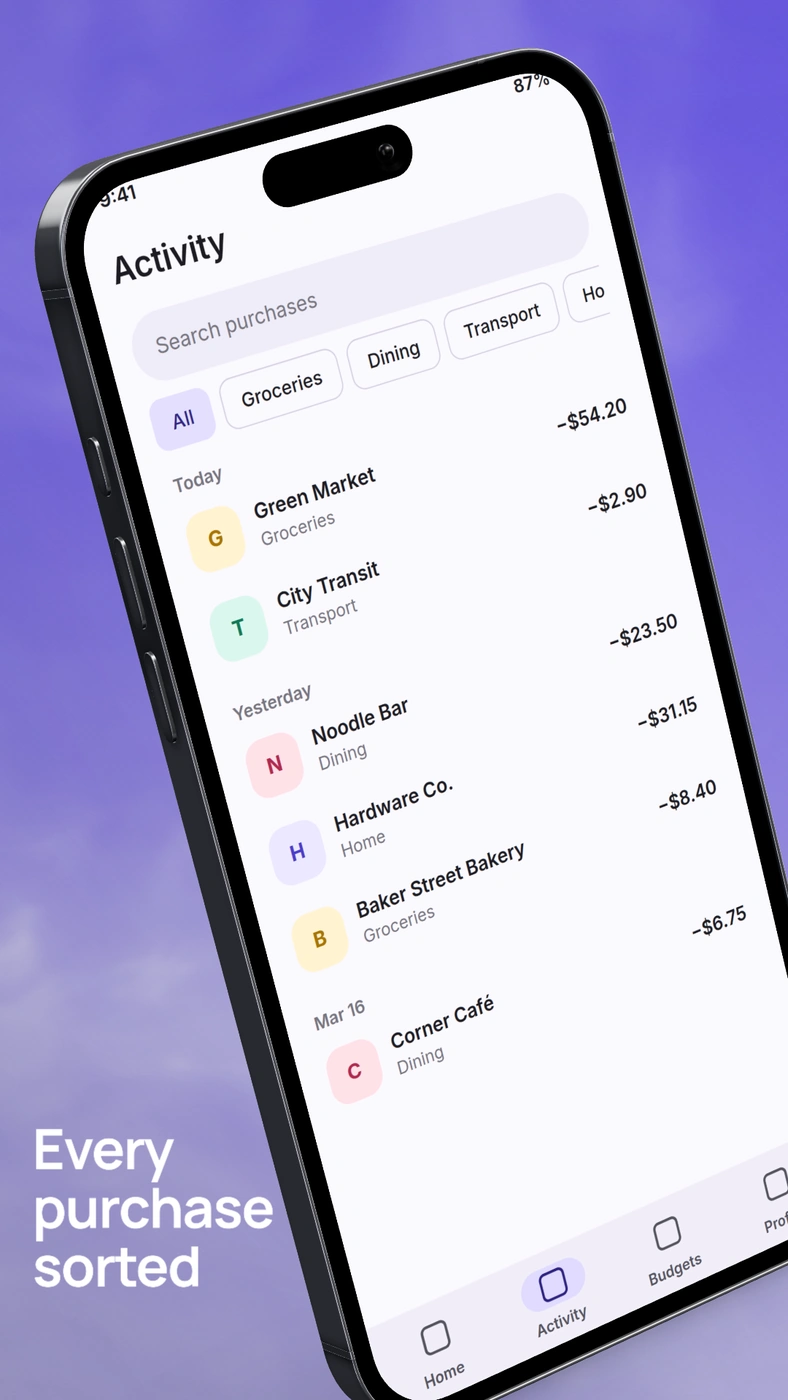
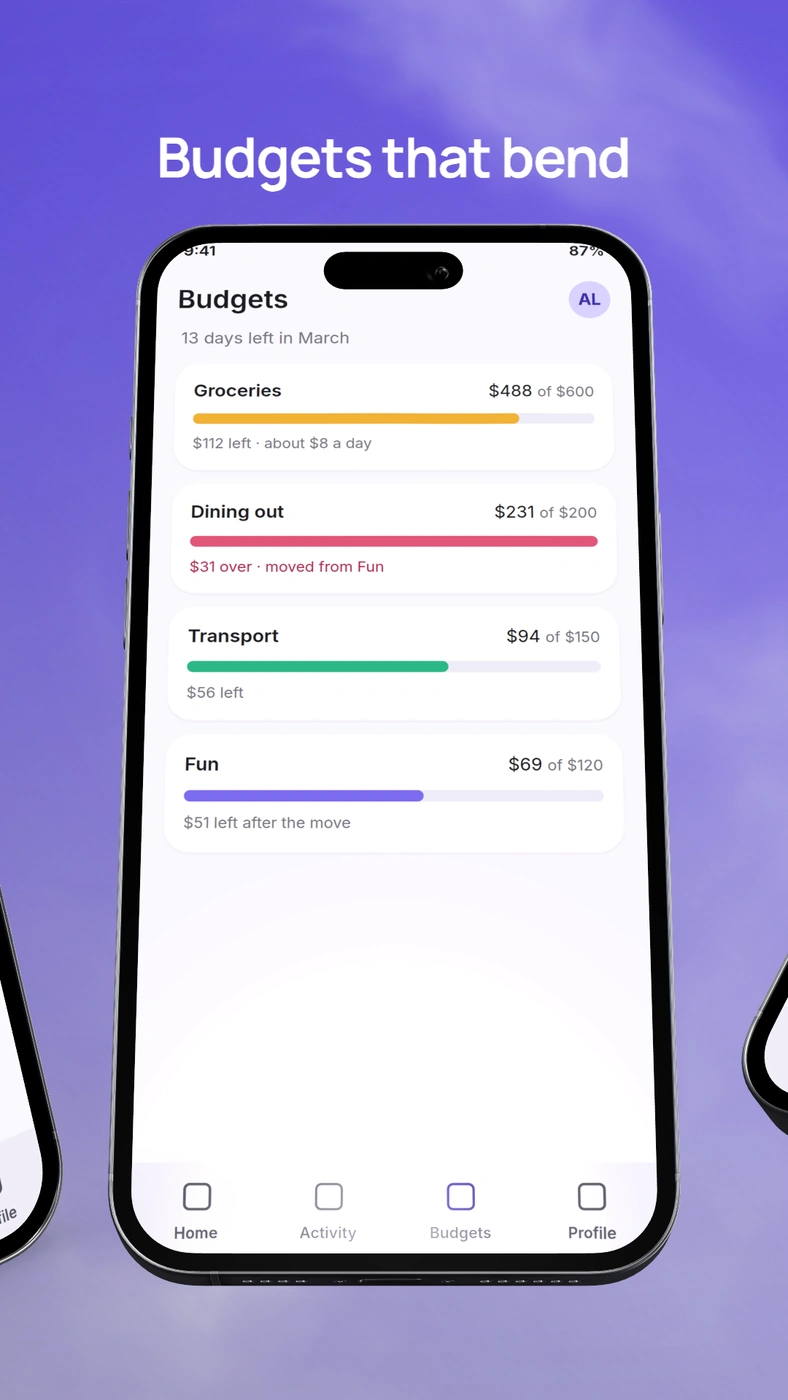
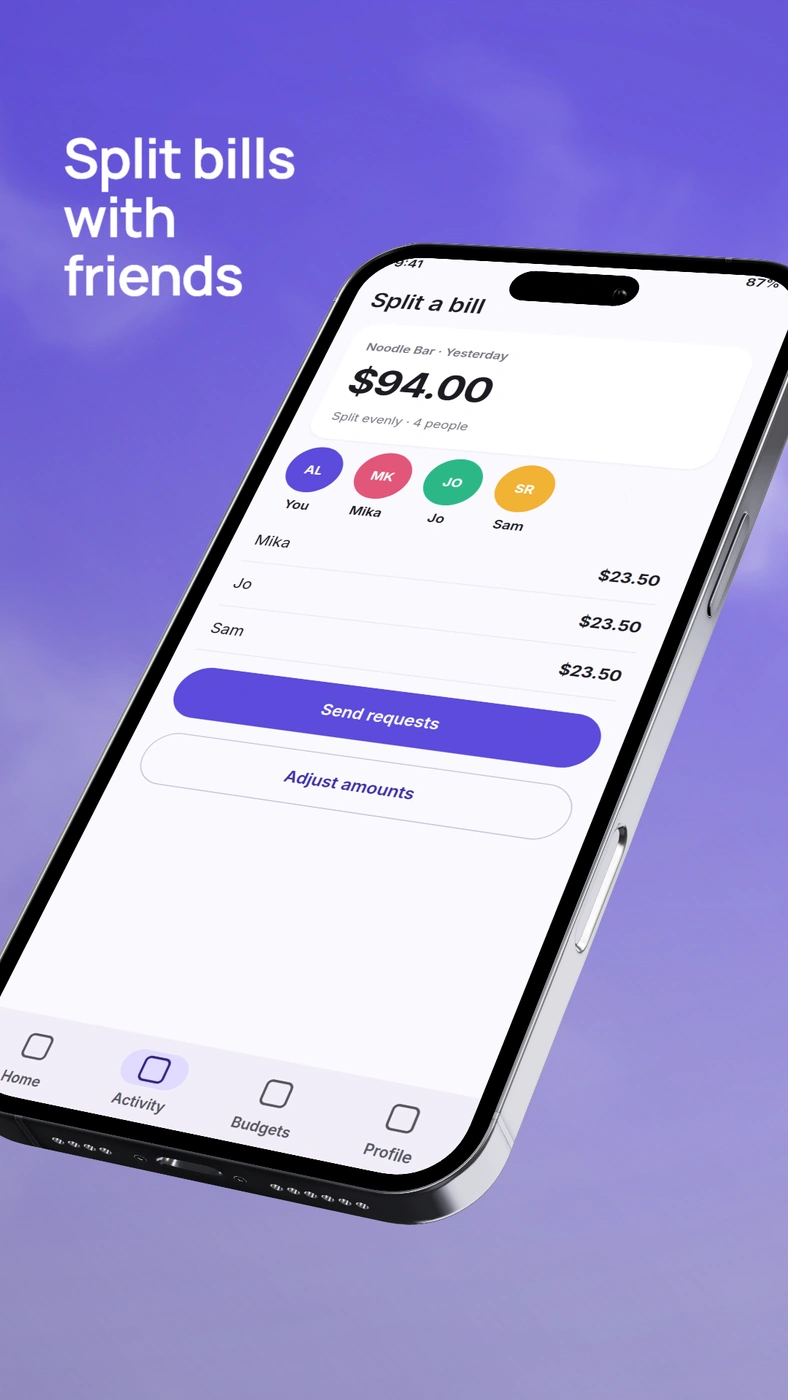
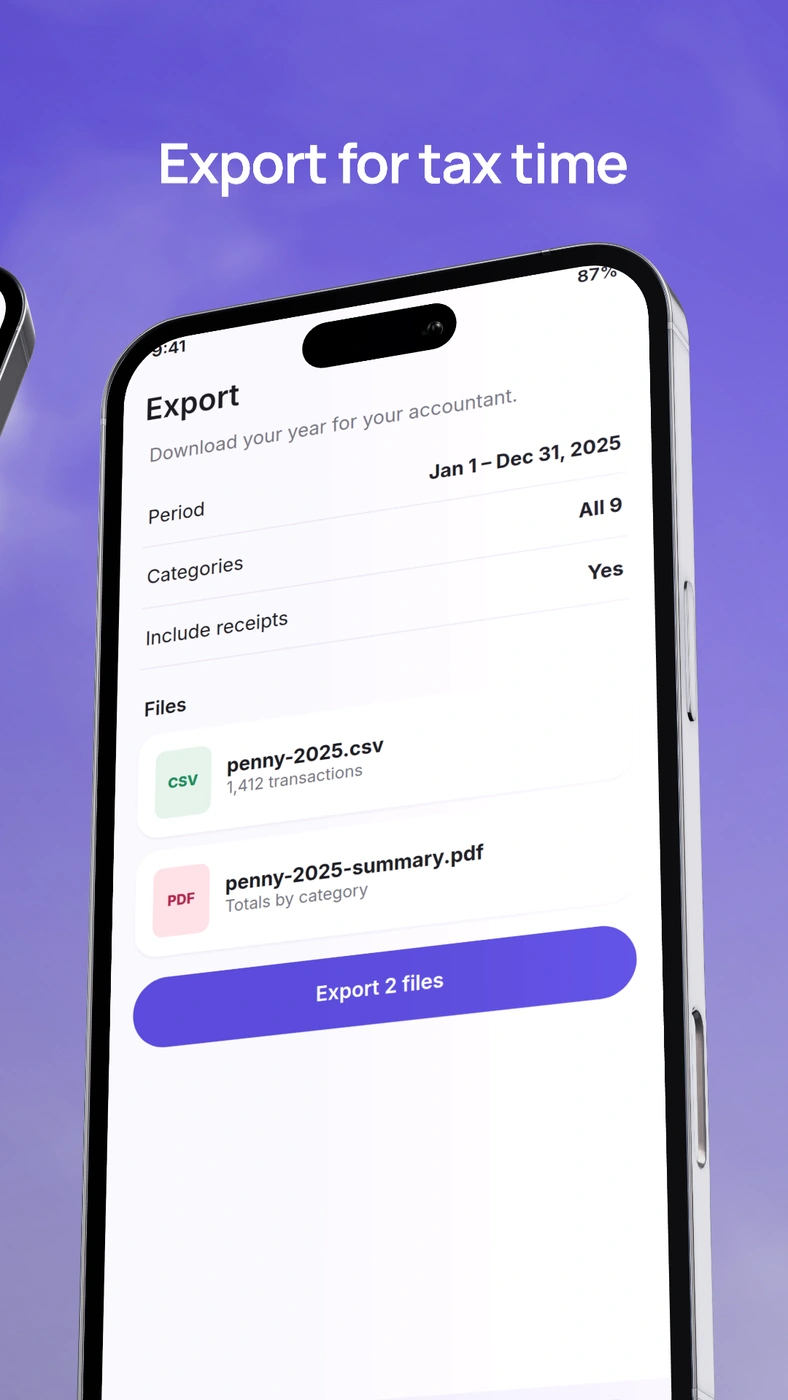
Build a sequence around your app.
- Add your screens. Choose Google Play · Phone and import screenshots in the order you want people to see them.
- Choose the composition.Shuffle the whole set for a coordinated look. Refine a single slide’s headline and crop while keeping backgrounds linked.
- Review and export. Check each slide, then download an ordered ZIP of RGB PNGs at 1080 × 1920.
A phone screenshot set, ready to refine.
Your Android UI stays in the source screenshot. Shared styling keeps the set consistent while each slide can show a different feature. Replacing a screenshot and changing a layout remain editable and undoable.
This tool creates portrait phone screenshots. Use theGoogle Play sizes guidefor upload requirements and other store assets. For readable headlines, see thescreenshot typography guide.
Questions people ask.
What size does the generator export?
The Google Play Phone preset exports 1080 × 1920 RGB PNGs. The full set downloads as a ZIP with numbered files in slide order.
Can I change one slide without changing the others?
Yes. Edit each slide’s screenshot, headline, and layout independently. Background and device styling can stay linked across the set.
Does this generate Android app interfaces?
No. Import your own app screenshots. DeioLab composes them without inventing UI or product claims.
Does it create feature graphics or tablet sets?
This workflow creates portrait phone screenshot sets. Feature graphics and tablet screenshot sets have separate requirements.
Are my screenshots uploaded?
No. Screenshots, saved drafts, rendering, and ZIP export stay in your browser.