Laptop mockup generator.
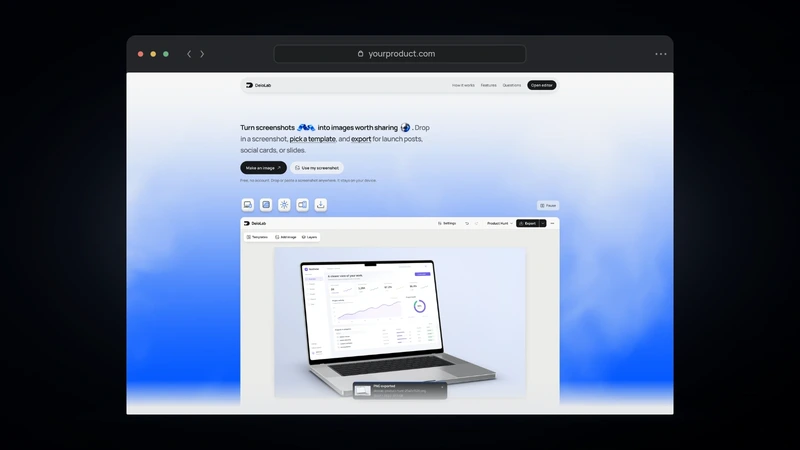
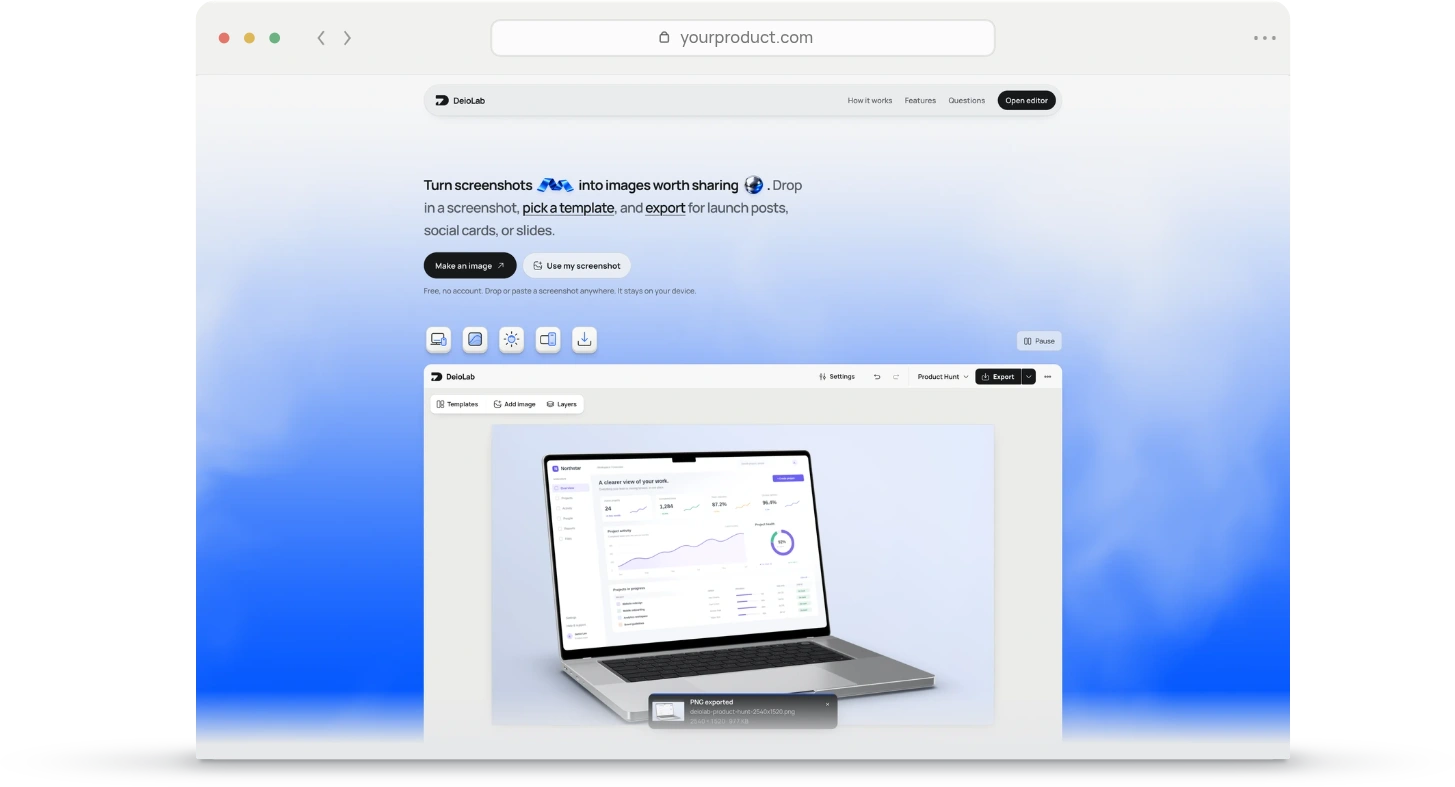
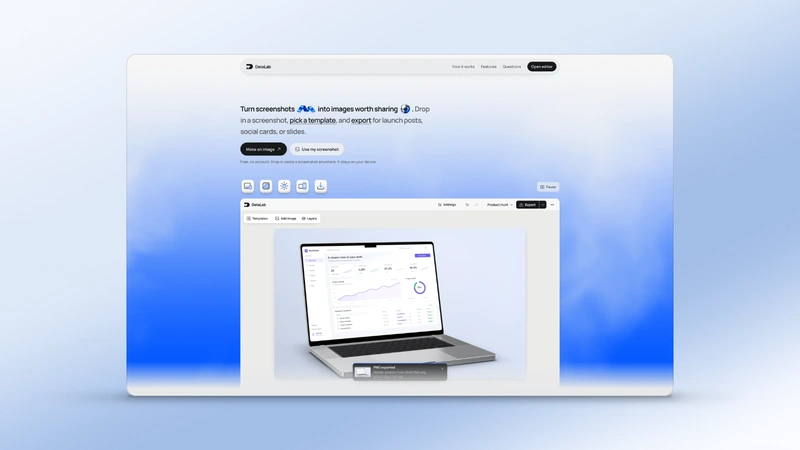
Put your screenshot in a 3D MacBook. Adjust the angle and background, then download your image.
Drag to move. Shift-drag to tilt. Scroll over the laptop to resize.Use the joystick to turn and tilt, and Size to resize. Your images stay on this device.
From screenshot to laptop mockup.
Create a coordinated store setAdd your screen.
Choose a PNG, JPEG or WebP, drop it on the canvas, or paste it. Replace the screen whenever you need.
Make it yours.
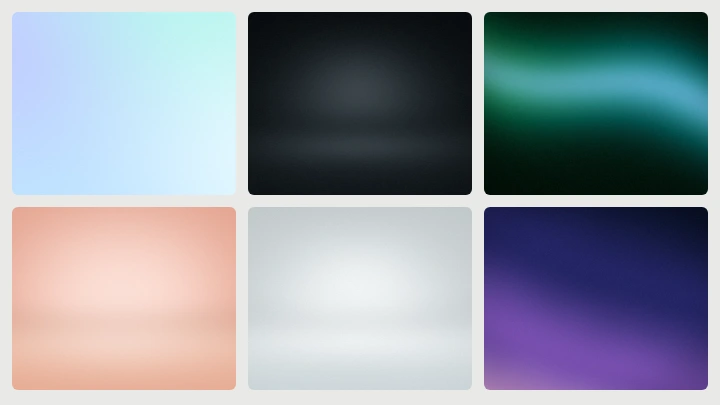
Choose a pose and finish. Move and resize your screenshot, and set the background and shadow.
Download it.
Export the complete image or a transparent cutout. Open in editor when you want to add text or build a larger composition.
More tools.
View all tools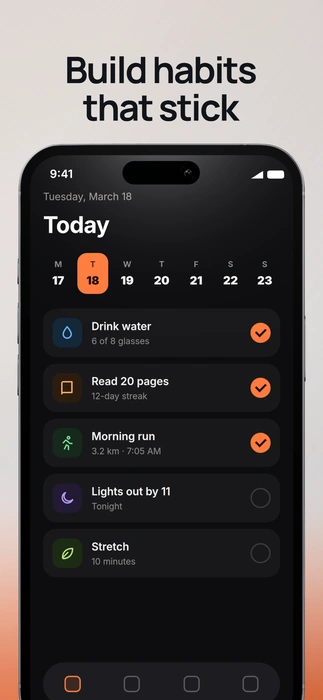
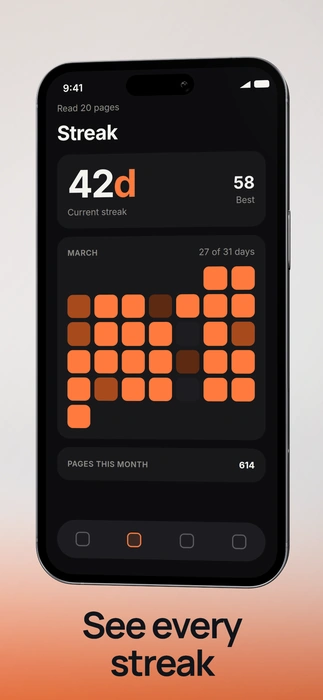
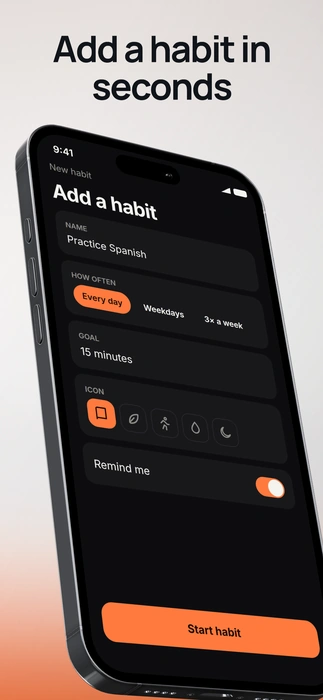
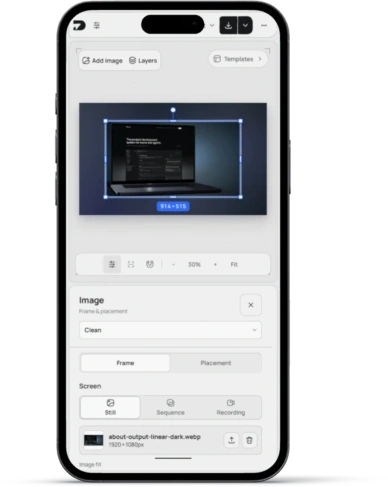
Questions people ask.
Is the laptop mockup generator free?
Yes. Edit and download without an account, subscription, or watermark.
Are my screenshots uploaded?
No. Images are imported, rendered, saved and exported locally in your browser.
Can I change the angle and finish?
Yes. Choose a pose, drag the rotation control, and adjust the finish, screen fit, lighting and shadow.
Can I download a transparent mockup?
Yes. Open Export options and choose Transparent under Background. PNG and WebP preserve transparency.
Will this change my saved editor project?
No. Each tool keeps its own local draft. Open in editor transfers the editable composition with confirmation before replacing an existing workspace.
Which screenshots can I use?
Upload a PNG, JPEG or WebP screenshot, paste it, or drop it onto the canvas. Replace the screen whenever you need.