Screenshot tools.
Find the right tool for your next image.
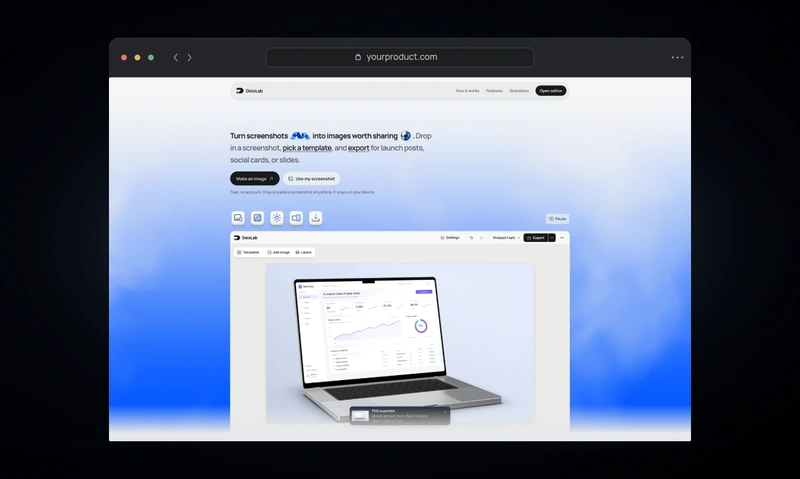
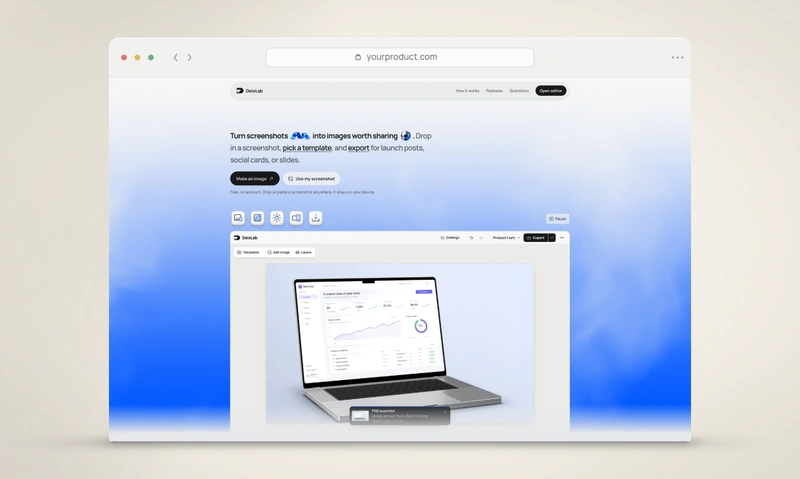
Free. No account. Your screenshots stay on your device.
- Launch & social
Google Play screenshots
Create an Android screenshot set and export numbered PNGs.
- Mockups
Screenshot beautifier
Refine spacing, corners, shadows, and backgrounds.
- Launch & social
Open Graph image
Create a 1200 × 630 link preview with your screenshot and headline.
- Backgrounds
Color palette from image
Extract dominant colors and copy HEX, RGB, or CSS.
- Launch & social
App Store screenshots
Coordinated screenshot sets for the App Store and Google Play.
- Mockups
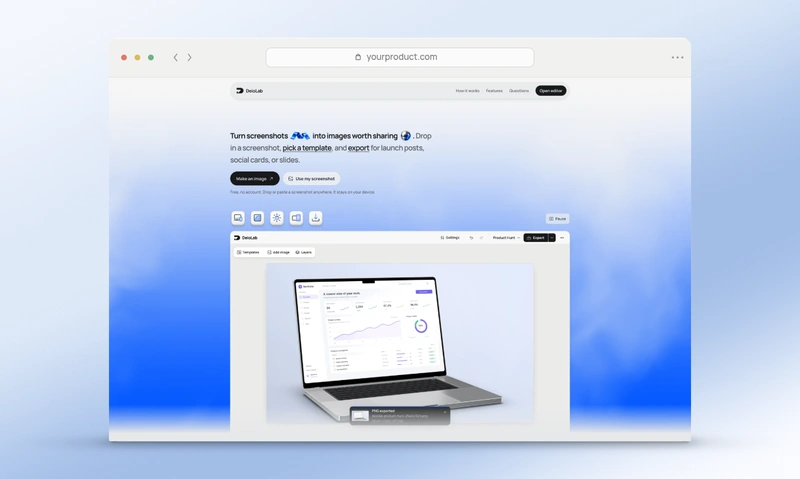
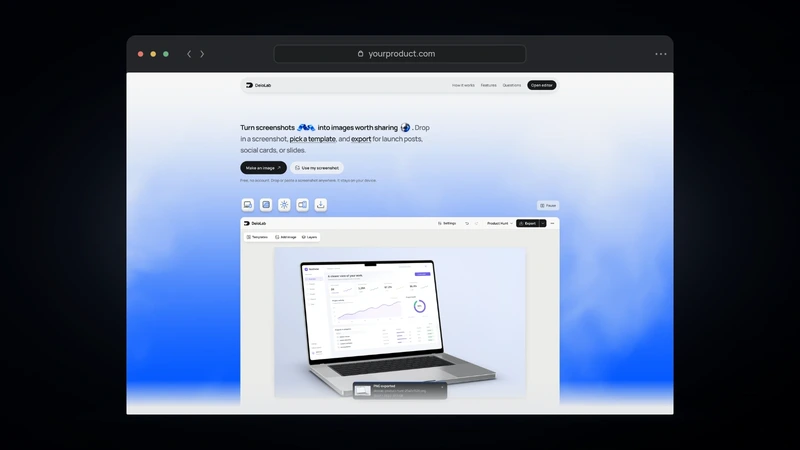
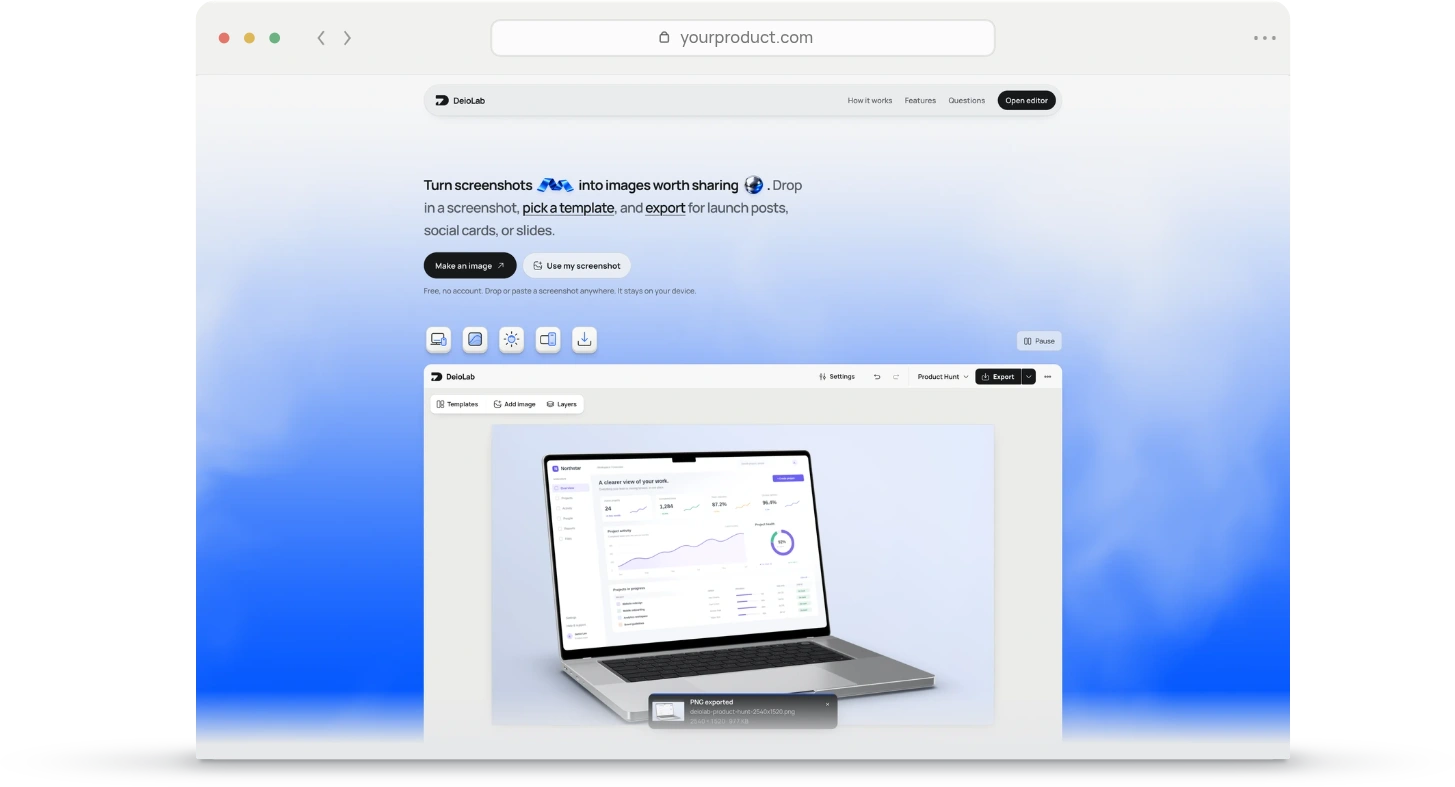
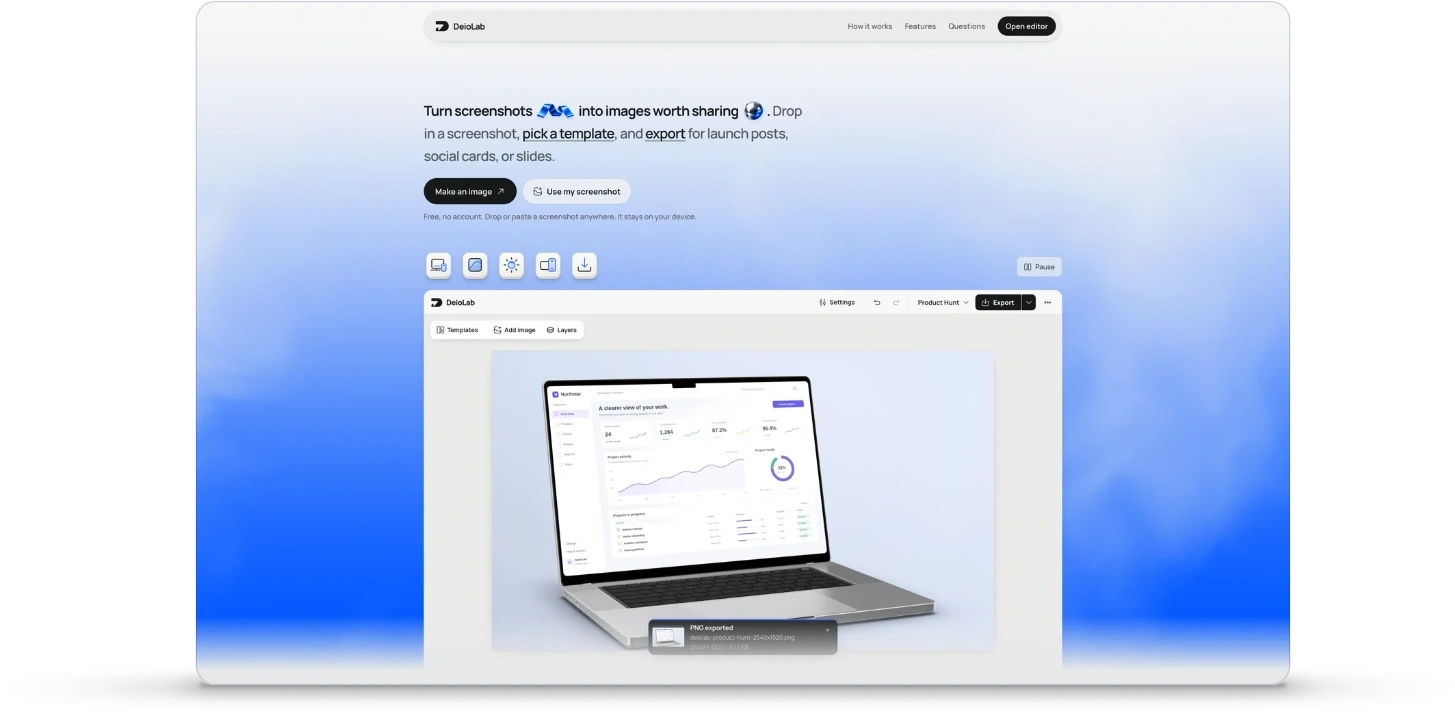
Browser window
A browser window with an editable address and finish.
- Mockups
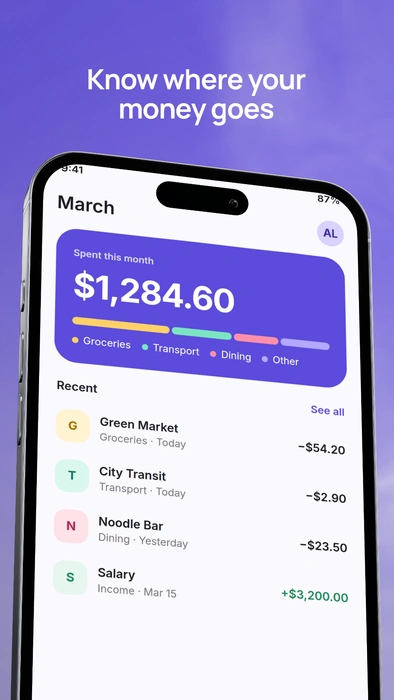
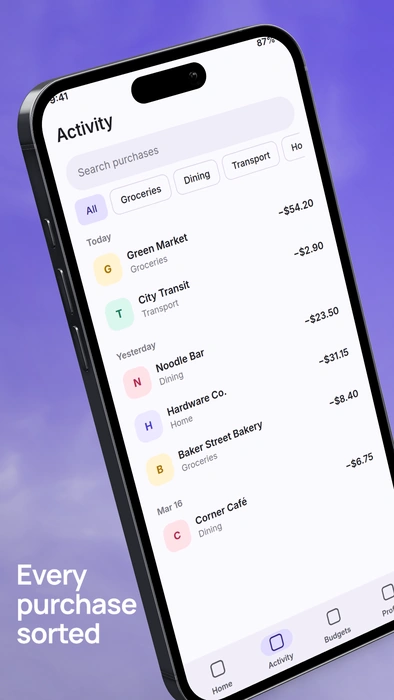
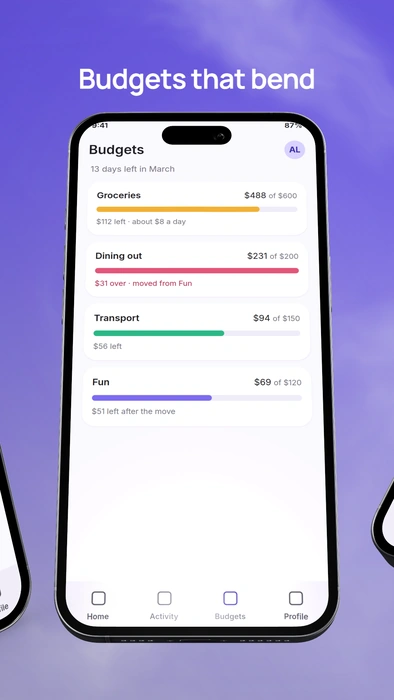
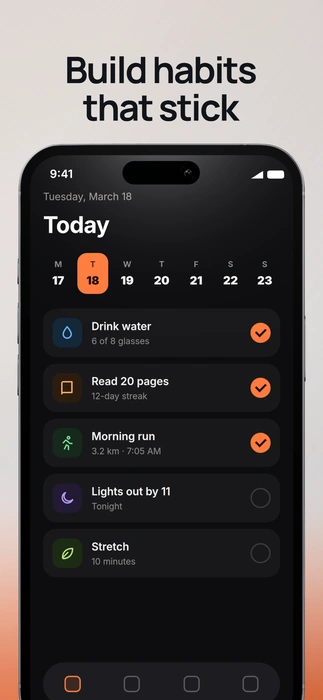
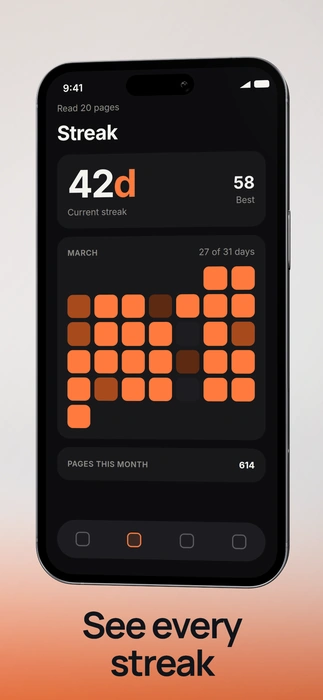
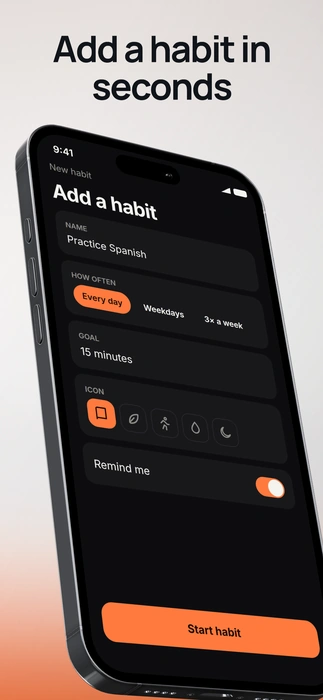
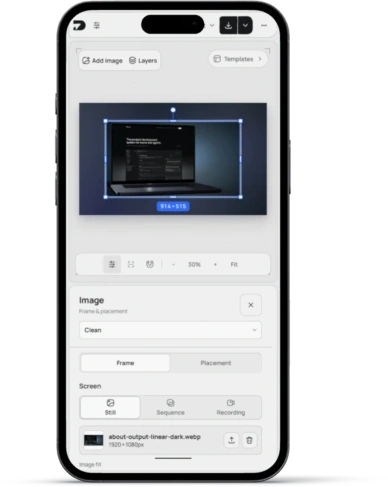
Phone mockup
Frame your screenshot in a 3D iPhone.
- Mockups
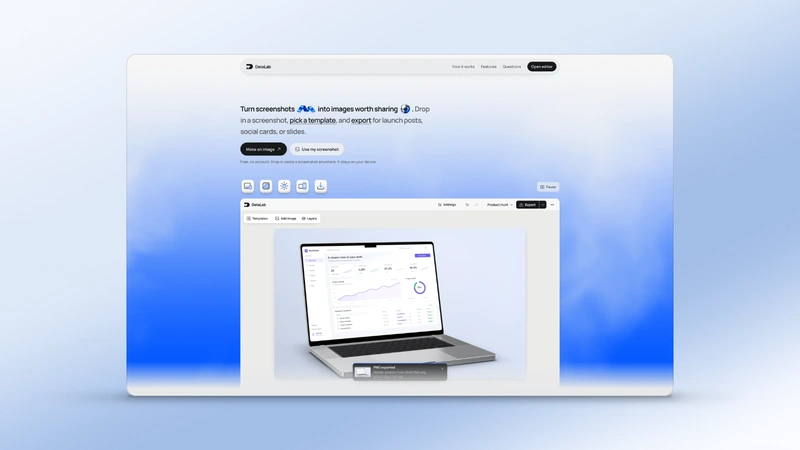
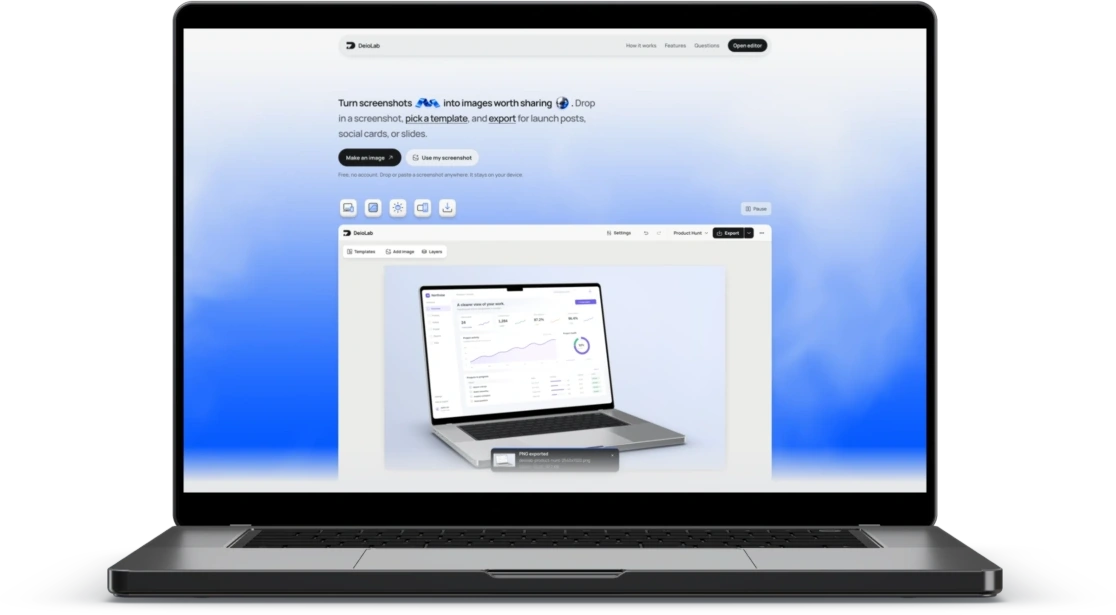
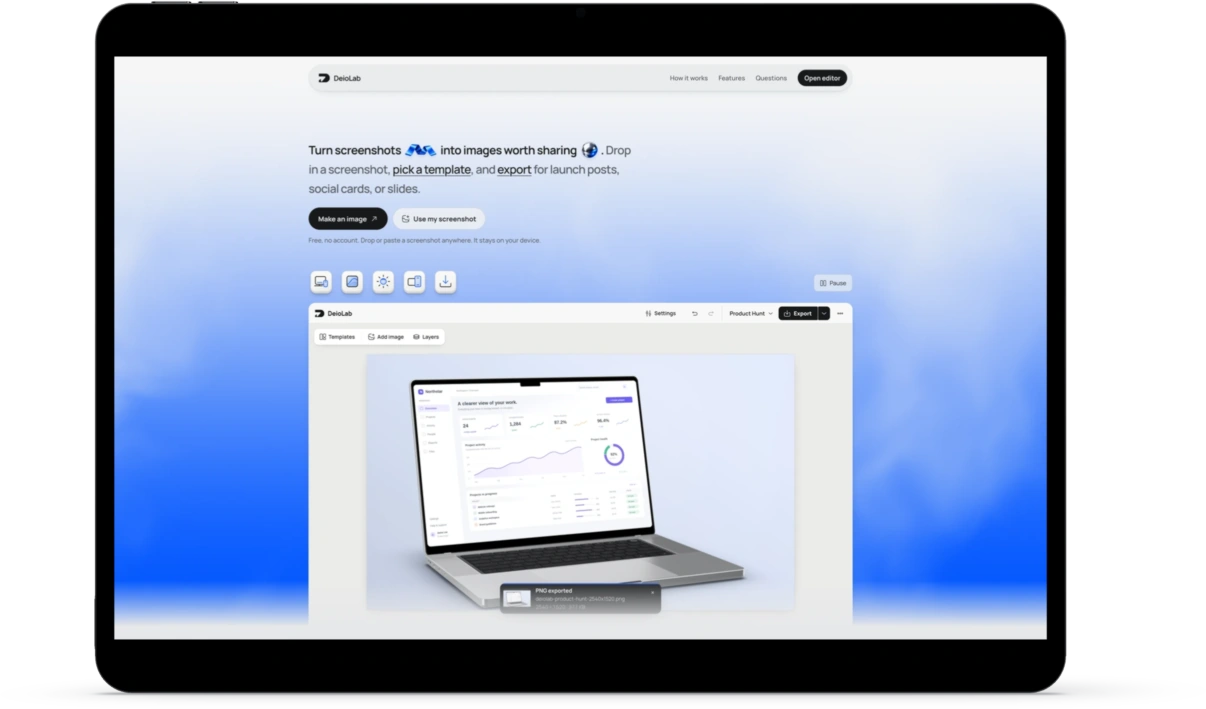
Laptop mockup
Present your app on a 3D MacBook.
- Mockups
Tablet mockup
Create a landscape iPad mockup.
- Mockups
Clean frame
Rounded corners and a soft shadow around your screenshot.
- Launch & social
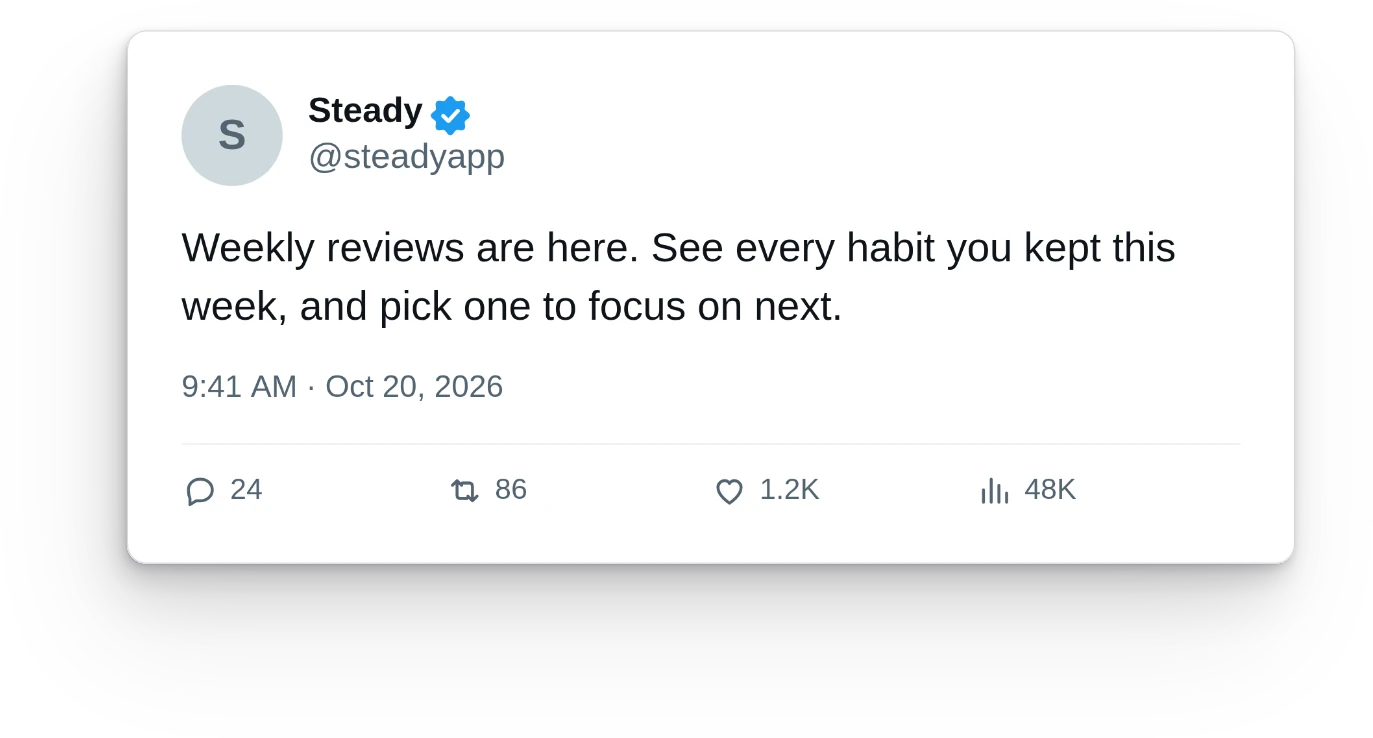
Tweet to image
Turn a post on X into a styled, editable image.
- Backgrounds
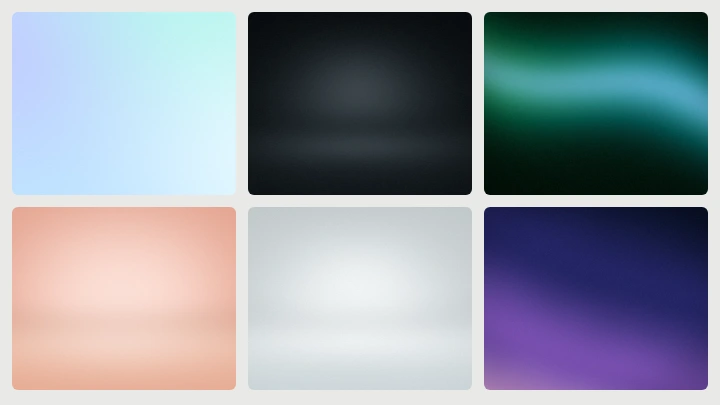
Background generator
Create gradients, textures, and wallpapers in any size.
- Backgrounds
Add a background
Place your screenshot on a styled background.
- Export
Transparent mockup
Download a device or browser as a cutout PNG.
- Launch & social
Product Hunt image
Compose a launch image at Product Hunt dimensions.
Questions people ask.
Are these tools free?
Yes. Every frame and export is free. No account, no subscription, no watermark.
Are my screenshots uploaded?
No. Images open and render locally in your browser. Nothing leaves this device.
Can I export a transparent mockup?
Yes. Choose Device or Device + shadow in Export options to download a cutout PNG.
What can I export?
1× or 2× PNG, transparent device cutouts, separate layers, or a ZIP of multiple sizes.