Transparent mockup generator.
Put your screenshot in a frame, then export it without the background. Keep the shadow or leave it out, ready for your website or slides.
Free. No account. Your screenshot stays on your device.
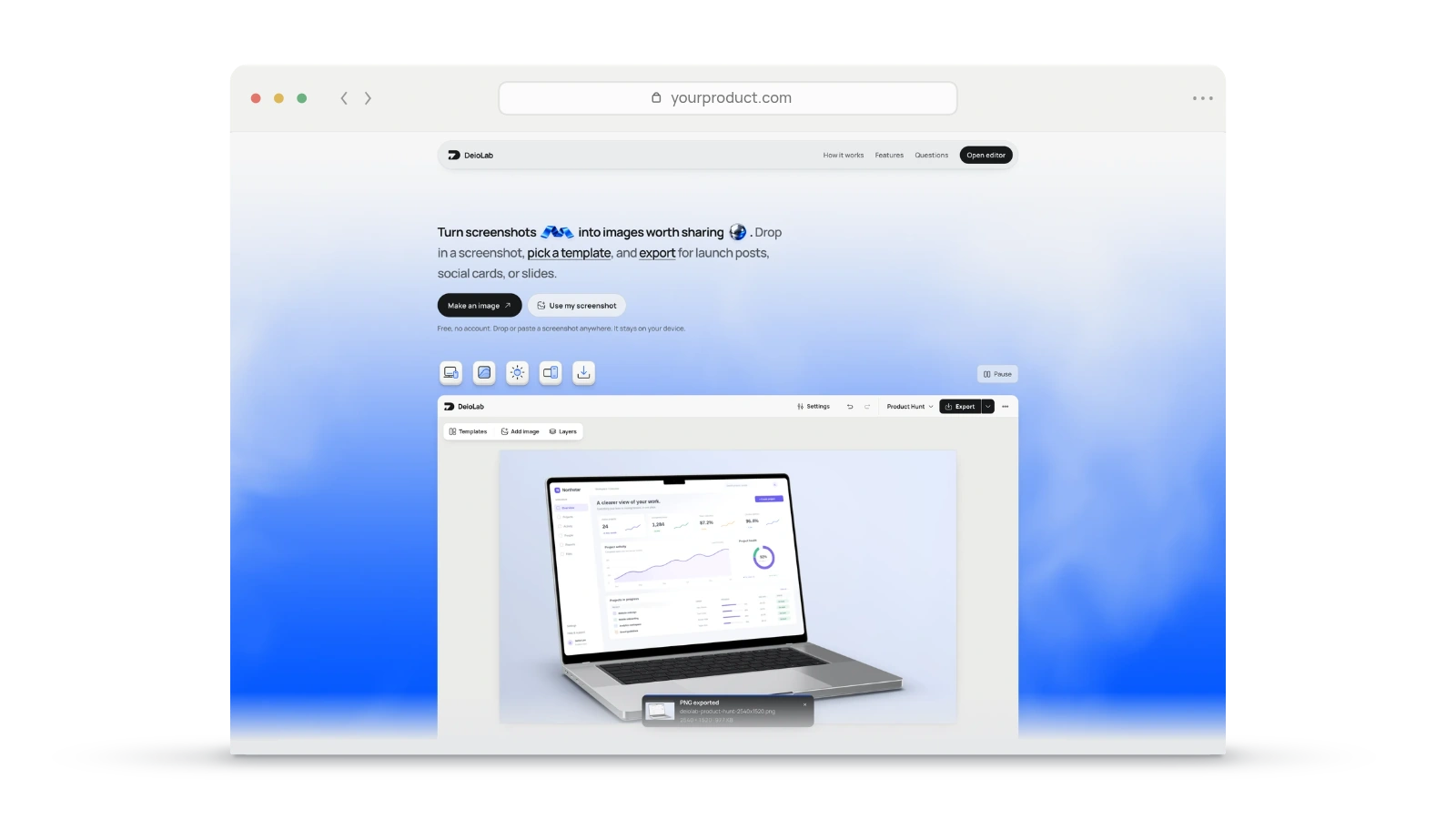
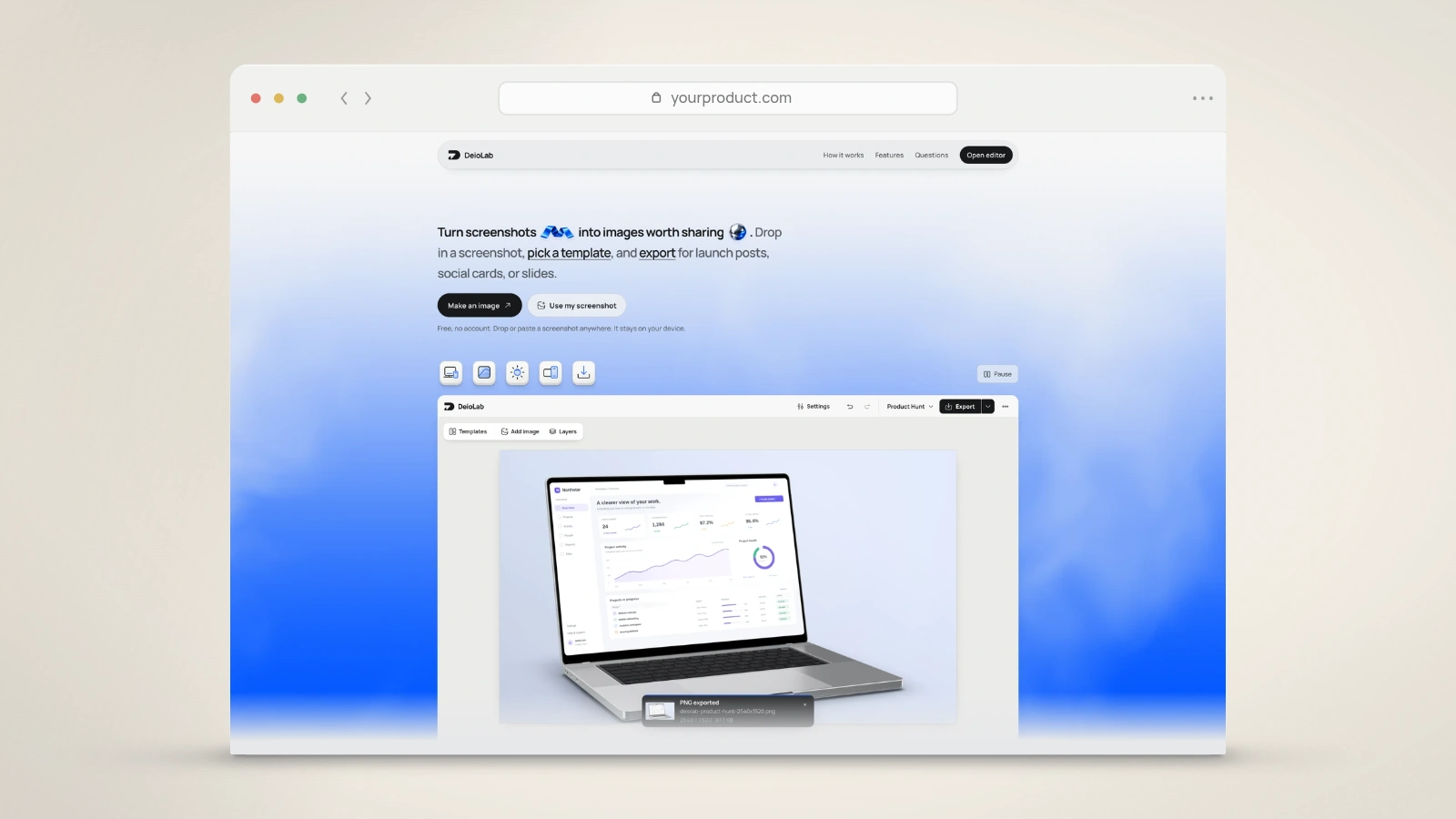
Frame and shadow
Your chosen frame opens with transparent export selected. The pixels inside your screenshot stay intact.
Export a transparent PNG, fitted to the device. Keep its shadow if you need it.
Questions people ask.
Is this free?
Yes. Create and export without an account, subscription, or DeioLab watermark.
Are my screenshots uploaded?
No. Images open, render, and export locally in your browser. Local recovery keeps work on this device.
Which files can I open?
Choose a PNG, JPEG, or WebP, or drop or paste an image here. Screenshots can be up to 40 MB.
What happens to an existing composition?
Your composition is preserved and the new screenshot is added as another layer. Device exports include all visible device layers. Each canvas supports one 3D device; another 3D import uses Clean with a notice.
Does this remove the background inside my screenshot?
No. It exports the frame on a transparent canvas. Content inside your screenshot remains intact.
Can I undo the automatic setup?
Yes. Screenshot import and its starting settings are undoable. Existing screenshots and layers stay in your composition.